The Attachment Trap: Why District Filters Block Your PDF and What to Send Instead
A curriculum vendor sends 5,000 district contacts a friendly email with a 6 MB PDF overview attached. The report shows a few dozen opens and a handful of replies, and the rep concludes the message was ignored. Some of those emails were never ignored, because they never reached a person. They sat in a quarantine queue that only a district IT administrator can see, and no bounce ever told the vendor.
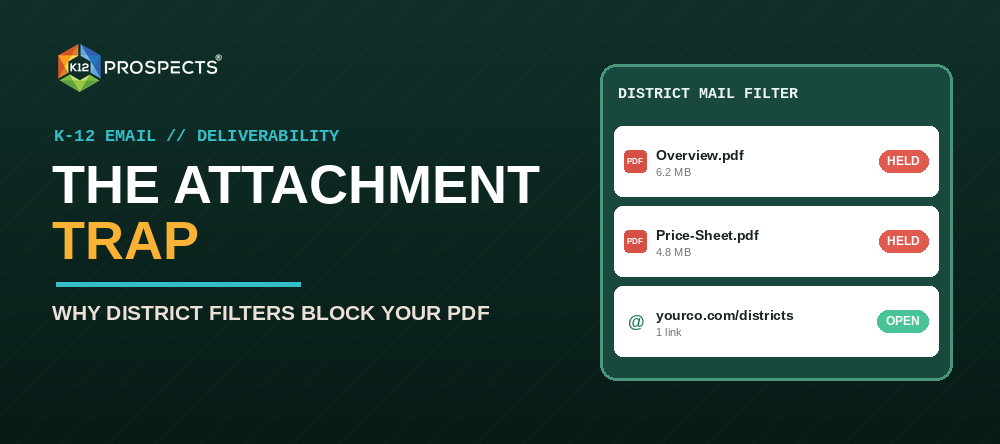
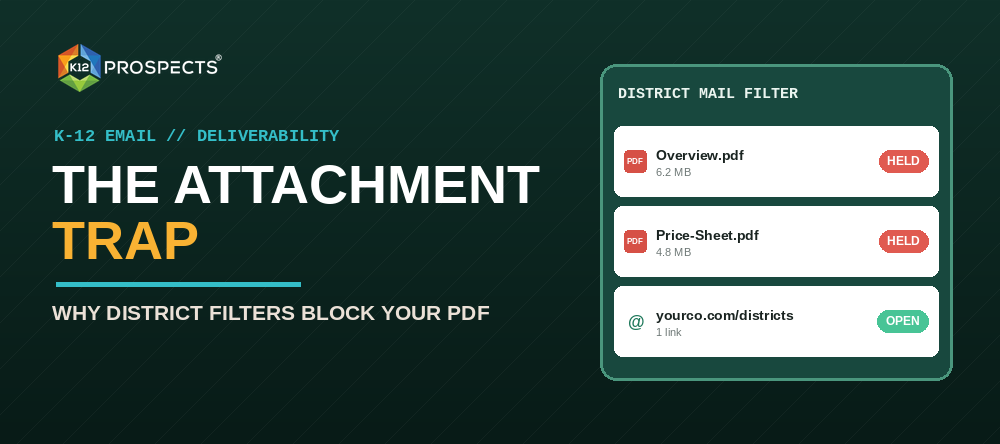
This is the attachment trap, and it catches K-12 marketers because a PDF feels like the polite thing to send. It is the file type that mail security scrutinizes most, and it is the one district staff are trained to distrust. The fix is small and cheap: send a hosted one-pager instead, keep your tracking, and let the PDF travel later, when the buyer asks for it.
What happens to your attachment before a person sees it
Most districts run mail through Google Workspace or Microsoft 365, and many add a security gateway on top. Every attachment is opened and scanned. Some systems hold the message while they scan it. Some hold it longer when the sender is unknown, which describes every first email you send a district.
Three features of a typical vendor PDF raise the level of scrutiny:
- Size. A brochure with photos can run 5 to 15 MB. Districts set their own limits on message size, and large files draw more inspection even under the limit.
- Links and forms inside the file. A PDF that carries clickable links, embedded scripts, or fillable fields looks like the shape of a phishing attachment, even when it is your legitimate price sheet.
- No sender history. An attachment from a domain the district has never exchanged mail with is the combination filters watch for most closely.
Staff add a second filter of their own. K-12 is a frequent target for phishing and ransomware, and districts run annual training that tells employees not to open attachments from people they do not know. A superintendent’s assistant who has completed that training will not open your file, however good the offer inside is.
The worst part is the silence. A blocked or quarantined message does not bounce. Your platform records a successful send, your dashboard shows a clean delivery, and the only signal is a reply rate that looks too low.
The math of the trap
Illustrative numbers, not a benchmark: suppose an attachment-heavy campaign to 5,000 district contacts reaches 92 percent of inboxes, and the same message with a link reaches 98 percent. That is 300 more messages in front of people. At a 1.5 percent reply rate, those 300 messages produce four or five more conversations from a single send, before counting any change in how people respond to a cleaner email. Run the campaign every month and the gap becomes a full quarter of pipeline.
The fix: the Hosted One-Pager Swap
Replace the attachment with a single web page on your own site. The swap has four steps.
- Build the page. One screen of content: a headline that states the result, three outcomes in plain words, one proof line such as a district name or a number you can cite, and one button. No forms. No pop-ups. Put it at a path on your main domain, such as yourcompany.com/districts/reading, so you avoid a new sending or hosting reputation to warm up.
- Link it once. Use one link in the email, written as a plain text link or a single button. A second link, a shortener like bit.ly, and an image-only layout all add filter risk. Skip them.
- Track the page, not the pixel. Add campaign parameters to the link, then read visits, time on page, and clicks in your analytics. Open pixels are unreliable now that mail apps preload images, so treat opens as noise and clicks and page visits as the signal.
- Offer the PDF on request. End with a line that invites the buyer to reply “PDF” for a copy they can drop into a board packet. A reply is a warm signal, and a PDF sent inside an existing thread with a known sender is far more likely to arrive.
Before and after
The attachment version most vendors send:
Subject: Reading intervention overview for [District]
Hi Dana, I attached our 12-page overview for [District]’s literacy team. Please take a look and let me know if you would like to talk.
The hosted version:
Subject: Reading intervention overview for [District]
Hi Dana, elementary schools in [Neighboring District] moved to 30-minute small-group reading blocks this year with [Product]. The one-page summary is here: yourcompany.com/districts/reading
If you want a copy for a board packet, reply “PDF” and I will send it today.
The second email is shorter, carries one link, asks for one small action, and hands the buyer a way to reply that costs nothing. It also gives you a reply thread, which is where an attachment can travel safely.
How to track a hosted one-pager without losing anything
Attachments give you almost no data anyway. You know the email was sent and, maybe, that it was opened. A page gives you more:
- Campaign parameters. Tag each link with source, medium, campaign, and a content value that names the role, for example utm_content=curriculum-director. You will see which role reads the page.
- Segment links, not person links. One link per role or state is enough. Unique links for each contact add complexity without adding much that a district can act on.
- A download event. Put a “Download the PDF” button on the page and count clicks on it. Buyers who need the file for a board packet will identify themselves, and the file arrives from your website, not from a first-contact email.
- Reply counts for the word PDF. Track it as its own outcome. It is a stronger buying signal than a page visit.
When the buyer needs a PDF anyway
Some do. A board packet, a purchasing file, and a curriculum committee packet all want a document. Build the page so that it prints cleanly on one letter-size sheet, and add the download button described above. The buyer prints or saves the page, or downloads the PDF from your site. Either way the file reaches them after they asked for it, not before.
The pre-send checklist
- No attachments on first-contact or cold-list emails.
- One link in the body, to a page on your own domain.
- No link shorteners.
- The page loads in under three seconds on a phone.
- Link parameters name the campaign and the role.
- The closing line offers the PDF on reply.
Before your next send, forward the message to test inboxes on Google and Microsoft addresses and confirm both the message and the link render. A test on one platform will not tell you what happens on the other.
Where list quality fits
A hosted page cannot rescue a message sent to a dead address. Stale district contacts bounce, and those bounces build the sender reputation that decides whether your next email is held. The List Hygiene article covers the cleaning routine, and K12 Prospects keeps verified, role-segmented district contacts current, so your first email lands on a real person’s desk. Pair that with a one-link message and a 5-email sequence that moves from the one-pager to a meeting, and the attachment stops being your biggest delivery risk.